There are three ways that a Droplet can connect to the internet:
- Wireless connection to Wi-Fi
- Wired connection to router via Ethernet
- 4G connection by a SIM card (only available for the Droplet PLUS)
If you are an accredited SwitchDin Droplet installer, this change of Wi-Fi network may be done yourself. Otherwise, our SwitchDin Support team will be able to assist in changing the network of your Droplet. Please navigate to either the "Installers" or "Non-Installers" section for instructions on how to do this.
Installers
To change WiFi network, please follow the below steps.
Step 1: From the top left menu, navigate to "Installer" , and select either 'Scan The QR Code' or 'Enter Code Manually'
Step 2: Select 'Connect via WiFi'
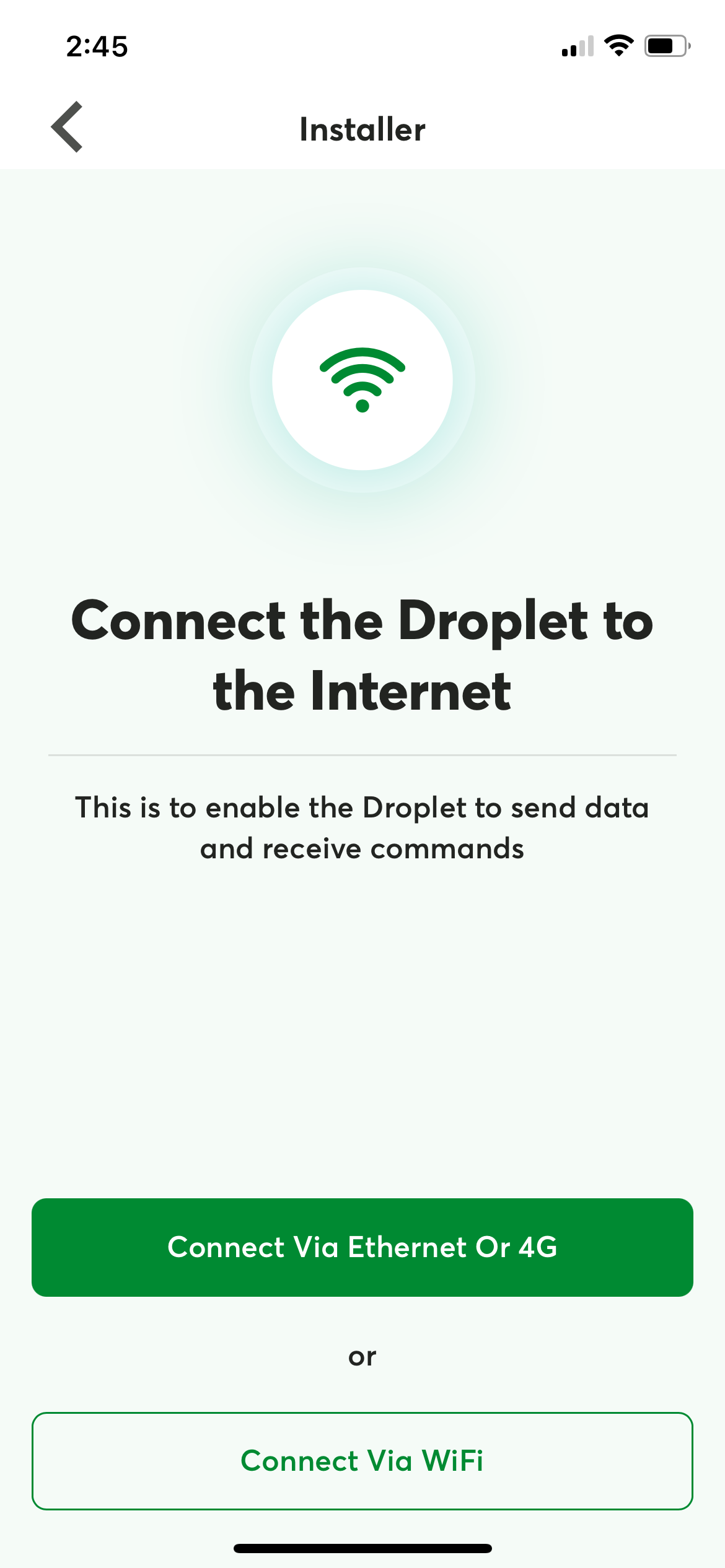
Step 3: Follow the on-screen instructions to connect the Droplet to the new WiFi network
Non-installers
If you have changed Wi-Fi or have a new router/modem, you may connect your Droplet to this new network through one of two methods:
Wired connection to the internet
The Droplet may be connected to a new router easily through connecting an Ethernet cable to the Droplet, and wiring this to a spare LAN Ethernet port on the router. For a Droplet ONE model, there is only one Ethernet port. The Droplet PLUS has two available Ethernet ports - either of these may be used to make the connection to the router.
Wireless Wi-Fi connection to the internet
Please complete the following steps if you wish to connect your Droplet wirelessly through Wi-Fi to a new network. This may need to be done if:
Your Wi-Fi password has changed
You have installed a new modem/router/NBN, and wish to connect your Droplet to this wirelessly
If you are not an installer, the change of Wi-Fi will need to be completed by one of our SwitchDin Support Technicians. To get in contact with us by email, please send an email to support@switchdin.com and provide the following information:
1) Droplet ID, which is located on the side of the Droplet, and starts with either B827 or 0001c
2) Wi-Fi name and Wi-Fi password
In order for your device to be connected to the new Wi-Fi network, a temporary hard-wired ethernet connection will need to be made between the Droplet and the router/modem LAN port. Once the Wi-Fi connection has been established by our support team, the Ethernet cable can be disconnected from the Droplet.